Teacher collaboration tools: coordinate an international project
Teacher collaboration tools work best when each has a clear job: a shared plan for dates and activities, one place for teacher messages, and a space for student work. Agree the learning goal, realistic workload and response times before starting an international project.
Last updated
Coordinating with a teacher in another country can feel like one more job in a busy week. Start with a small shared goal and a few clear routines. You do not need to meet live every day or use a different app for every task.
Give each teacher collaboration tool one job
- Shared plan: keep the timeline, activity instructions, team assignments and resource links together. A document both teachers can edit may be enough.
- Teacher messages: choose one main space for questions and decisions. Summarise an agreed change in the shared plan.
- Student work: agree where each class will post its contribution and how the other class will respond.
Class2Class provides project chat and teacher-to-teacher messaging. You can use your school's existing document tools for a shared plan. If you choose an external live-call tool, the teachers arrange the call. Keep student contact details within teacher-managed sharing.
Agree the plan before students begin
Talk about what each class can manage. A short planning conversation - for example, 30 minutes - is a starting point, not a required meeting length. Write down the decisions so both teachers can find them.
- What should students learn, and which topic are both classes already studying?
- How many weeks and how much lesson time can each class offer?
- Will students exchange work at different times, meet live, or do both?
- What shared product is realistic?
- Which school holidays, exams or access needs could affect the plan?
Try a manageable four-week plan
- Week 1: introduce the classes and share a little about each community.
- Week 2: research the shared question and exchange findings.
- Week 3: compare the findings and develop an idea together.
- Week 4: create a joint presentation and reflect on the work.
Give each week one clear goal. Adjust the pace together if a class needs longer. For a first exchange, you can use fewer stages or a smaller final product.
Keep a short weekly check-in
- What did our class complete?
- What will we do next?
- Does the timeline, task or support need to change?
A brief weekly update helps both teachers see progress and raise a problem early. Record any change where the whole plan is kept. If a message needs an urgent reply, say so rather than assuming the other teacher is online.
Plan for different school schedules
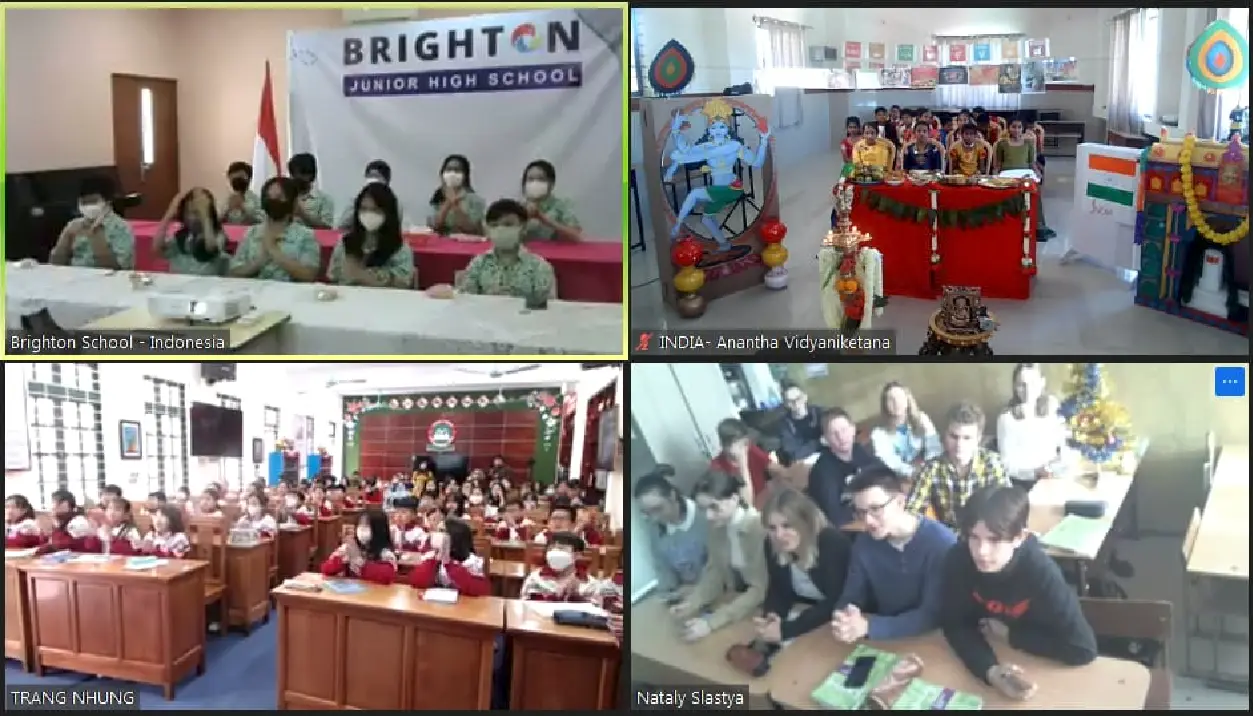
When live meeting times do not overlap, exchange work asynchronously. One class can prepare a short presentation; the other watches or reads it during its own lesson and sends a response. Agree reply times around teaching days and holidays.
Teacher-to-teacher trust grows through clear agreements and honest updates. Say when a task is too large, invite your partner's ideas and change the plan together. The shared space supports this conversation; it does not replace it.
For detailed support, see the guide to time-zone planning. You can also explore existing project ideas on Class2Class before choosing a topic with a partner.
Frequently asked questions
Do we need to meet live every week?
No. You can exchange work during each class's own lessons and use a short teacher message to keep the plan moving. A live call is optional.
How many tools do we need?
Start with as few as possible: one shared plan, one main message space and an agreed place for student work. Reuse tools both schools already know.
Explore classroom projects
Explore Class2Class project ideas and choose one to adapt for your class.