Classrooms in 190+ countries
Your students work on real projects with classes in other countries. Teachers in more than 190 countries already use Class2Class.

For schools
Bring teachers together around shared projects. Help students exchange ideas, explore global challenges and learn with classrooms beyond their own school.
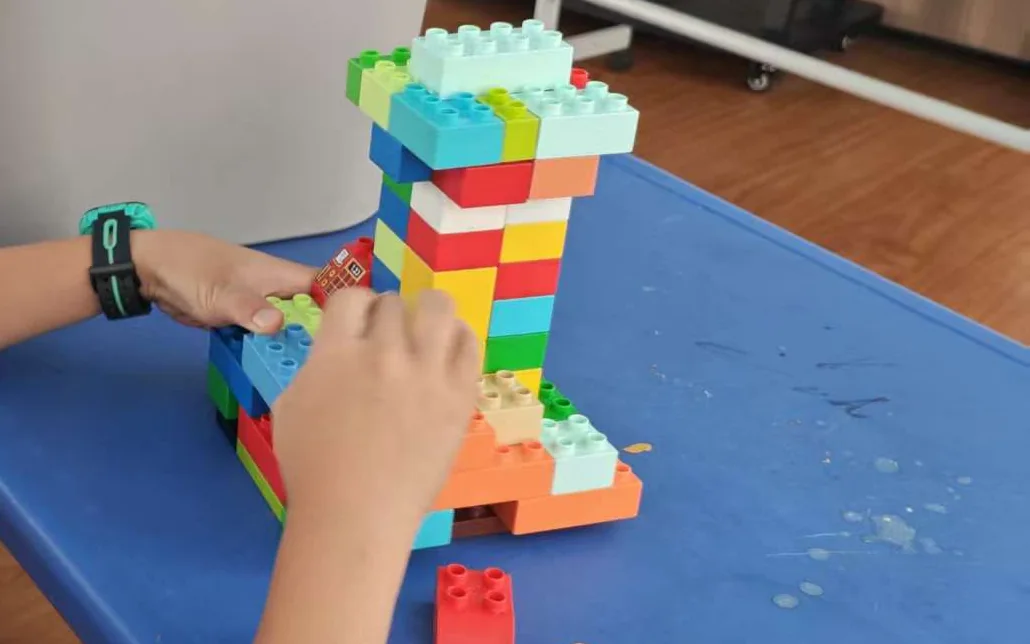
Your students work on real projects with classes in other countries. Teachers in more than 190 countries already use Class2Class.
Classes swap creations and messages when it suits them, across time zones. When you're ready, set up a live call with a partner class.
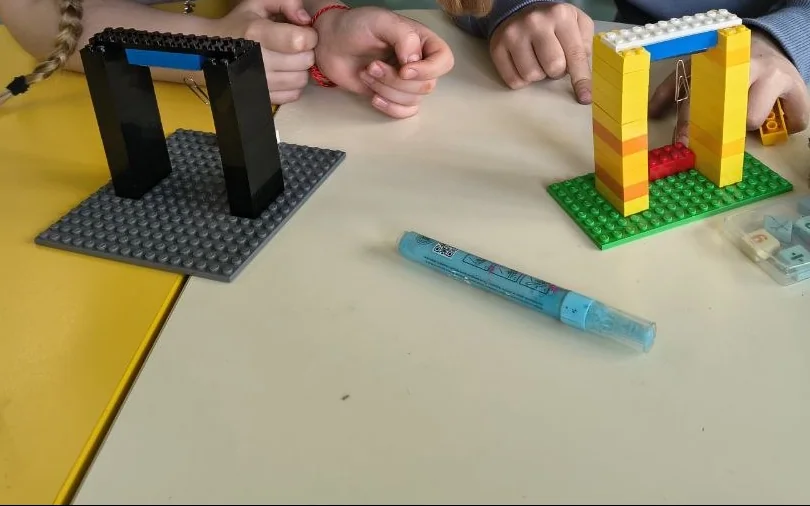
Classes build answers to shared challenges, from models and posters to short videos, and share them on the project Wall for other classes to see.
A place for your school community
Each school signs up on its own. You can start with interested teachers and build from there.
Give your teachers a shared home for projects, classroom work and collaboration.
Planning for several schools, such as a programme's partner schools? Each one signs up on its own and keeps its own profile and team. Talk to us about connecting them.
Start with the people and projects that fit your school.
Introduce your school and give your team a shared starting point.
Invite teachers to join your school. Choose who observes, moderates and manages your workspace.
Find your school's projects in one place, open the familiar project workspace and follow the classroom work.
Teachers guide classroom participation and decide how shared projects fit their students. School roles make clear who manages access, reviews contributions or simply follows the work.
Read our safeguarding approachOne familiar place
A school profile brings your team and projects together. Open a project to see its Wall, Map and the tools available to your role.
Your school
Workspace exampleIntroduce your school, explain what matters to your community and make its projects easy to find.
Invite teachers to join your school and share their own projects.
Join the school community and take part in classroom projects.
Each school signs up on its own and keeps its own profile, teachers and team. Class2Class can connect schools that take part in the same programme, and your school profile shows which networks your school is part of.
Invite teachers into your school and choose who helps manage the workspace. Team access is managed by admins.
Manage the school profile, projects and team access.
Follow projects and review incoming contributions.
Follow project activity with read-only access.
Safeguarding and trust
Explore our safeguards, privacy policies and current assurance work in the Class2Class Trust Center.
Privacy and assurance progress
GDPR
Data protection programme
ISO/IEC 27001
Certification audit in progress
SOC 2 Type II
Attestation in progress
Yes. Start with an individual school and the teachers interested in a first project. A wider rollout is not required.
Yes. Each school signs up on its own and keeps its own profile, teachers and team. Planning for several schools? Talk to our team about connecting them. You can begin with a few interested schools, review how it went and decide what comes next.
Yes. Class2Class is free for teachers and students, including when they join through your school.
School admins manage invitations and team roles. Moderators can review contributions, while observers follow project activity without changing it. Teachers join through a school invitation.
Classroom work, participation and teacher feedback can help you understand the experience. Participation figures alone do not demonstrate learning outcomes.
Create your profile, invite your team and take the first step together.
Create school profileTell us about your schools and what you would like to explore. We'll reply by email and set up a conversation with our team.