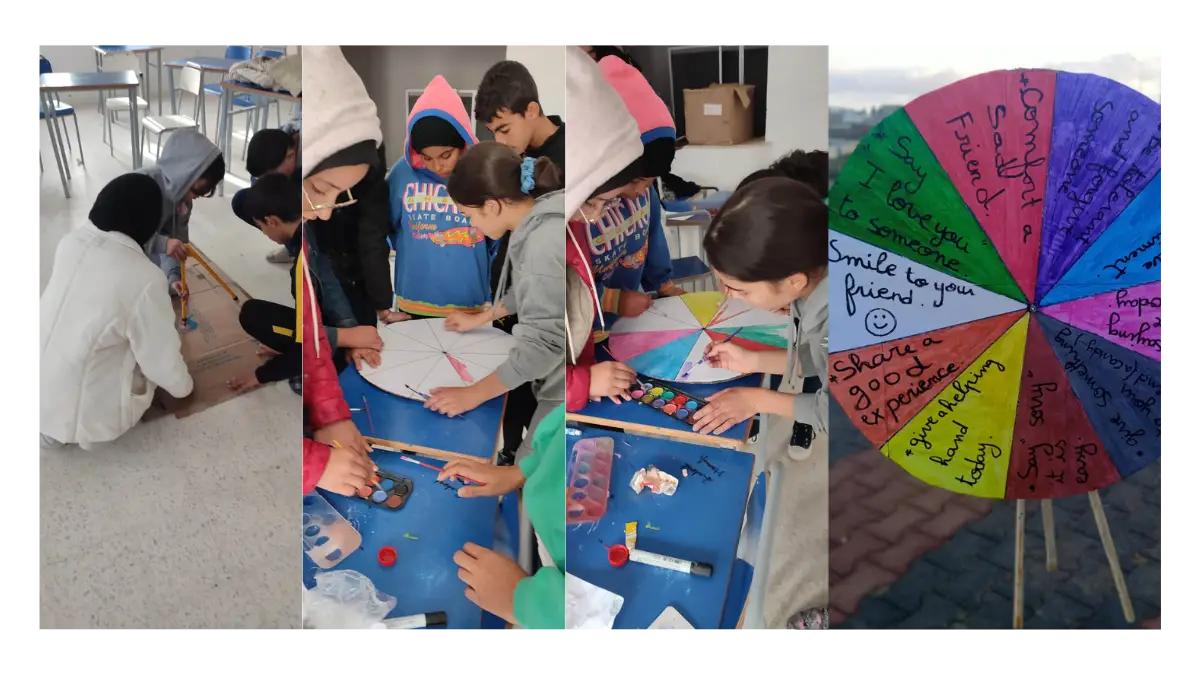
ESL global collaboration: language support for exchanges
For English learners, start a global classroom exchange with a picture, a shared glossary and one simple question. Let students prepare in their own languages and respond in English with support where useful. Check any translations together.
View the activityLast updated

For students learning English, a global exchange can begin with pictures and a shared question. Students can have something to share before they can say it confidently in another language. Give learners more than one way to respond, and keep their own languages as a planning aid.
Make the task clear before choosing a tool
- Use short instructions and show an example of the response.
- Offer pictures, drawings or a short video alongside text where useful.
- Prepare a small glossary, translated instructions or a language buddy.
- Make it normal to ask for a word to be explained or a message to be repeated.
These supports help students take part without having to understand every unfamiliar word first. Choose the support for the learners and the task.
For the wider project approach, read the COIL guide.
Notice who needs another way to contribute
A language gap can make it difficult to explain an idea, understand a response or take part in a discussion. Idioms and different communication styles can also cause misunderstandings.
Check whether some students are holding back. Give them another response format or preparation time rather than treating confident speech as the only sign of participation.
Try a picture-and-question exchange
For English learners, use this suggested exchange to prepare key words and ask a supported question in English. Keep students' own languages as a planning aid. The activity adapts the visual and language support above; it is not a report of a completed collaboration.
- Both classes choose a picture or drawing connected to the shared topic.
- Add a short explanation and a few key words in the class language.
- Prepare a checked translation of the key words if needed.
- Ask the partner class one simple question about its picture.
- Let students answer with a picture, a short text or supported speech.
Use tools for a specific language need
Choose a tool for the task: understanding an instruction, preparing a message or reading a caption. Test the language and device you will use, and review the result before sharing it.
Google Translate
Google Translate can help with written phrases and, where supported, spoken input. Microphone language support varies by browser. For a web page, use Chrome's translation option or the Websites option in Google Translate, rather than relying on the older extension instructions.
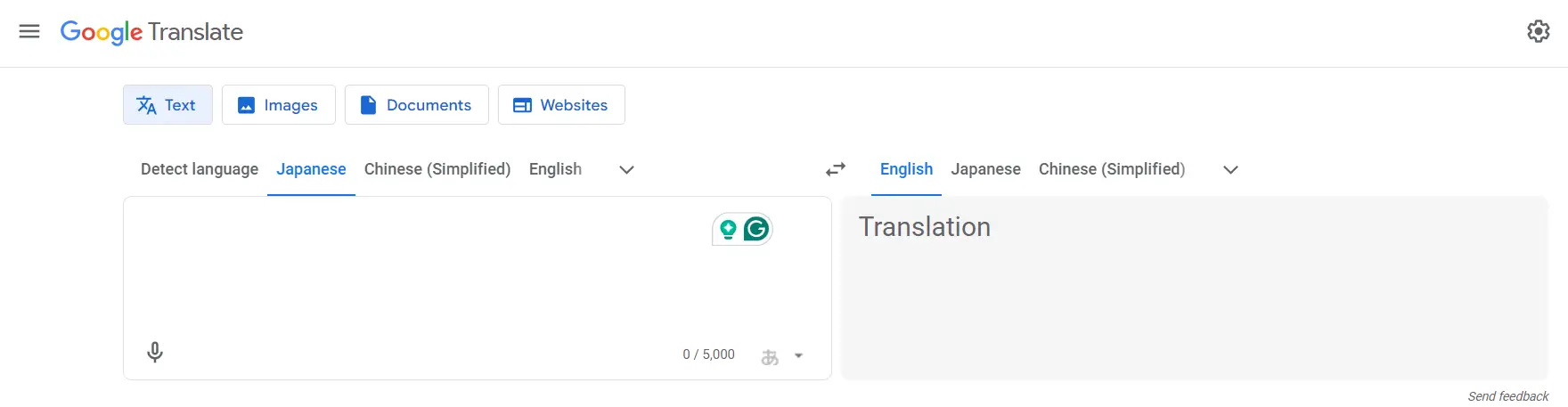
For a short phrase, follow Google's written-text translation instructions.
Microsoft Translator
Microsoft's education guidance describes translated and captioned conversations, including a split-screen conversation on one device. Check the supported language and current app for your school's device. The Windows desktop Translator app is retired.
You can view a Microsoft Translator video. Check the current controls on your device before using its instructions.
YouTube captions
For a video that the teacher manages, automatic captions can provide a starting point. Their wording can be wrong, so review and correct the captions before using them for the exchange.
You can view a video about caption settings for viewers. To edit captions, use the YouTube Help instructions above.
Teacher-prepared AI support
A teacher can try ChatGPT to draft a translation, bilingual instructions, a vocabulary explanation or practice dialogue. Check the result before using it; generated cultural explanations are not evidence about a whole community.
This guide does not require student accounts. Follow the current provider age requirements and use an adult-operated activity where required. See OpenAI's age guidance and the ChatGPT page.
Keep the exchange inclusive
Let students bring different languages, strengths and perspectives to the shared task. Use cultural activities, varied group roles and response formats that suit their language levels.
Ask students to explain what they mean, rather than assuming that one translation or cultural example tells the whole story. The aim is participation and understanding, not a promise that technology removes every barrier.
An international project gives both classes a shared question and a reason to respond. For more planning examples, read International collaboration in the classroom, Connecting classrooms and Online international classroom partnerships.
Frequently asked questions
Do students need to speak fluently before an exchange?
The task can offer preparation time, pictures, short texts, a glossary or language support. Choose a format that lets students contribute to the shared question.
Should we trust automatic captions or translations without checking?
No. Check the meaning before sharing the result. YouTube recommends reviewing and correcting automatic captions, and tool support can vary by language and device.
Explore an exchange idea
Choose an idea both classes can discuss. Add the language support that makes the task clear and gives students a way to respond.