Virtual exchange for K-12: plan a first classroom connection
Virtual exchange for K-12 connects primary or secondary classrooms online around a shared learning task. Students can exchange work and questions without travelling or meeting live. Start with a small output, a partner teacher and an agreed response window.
Last updated
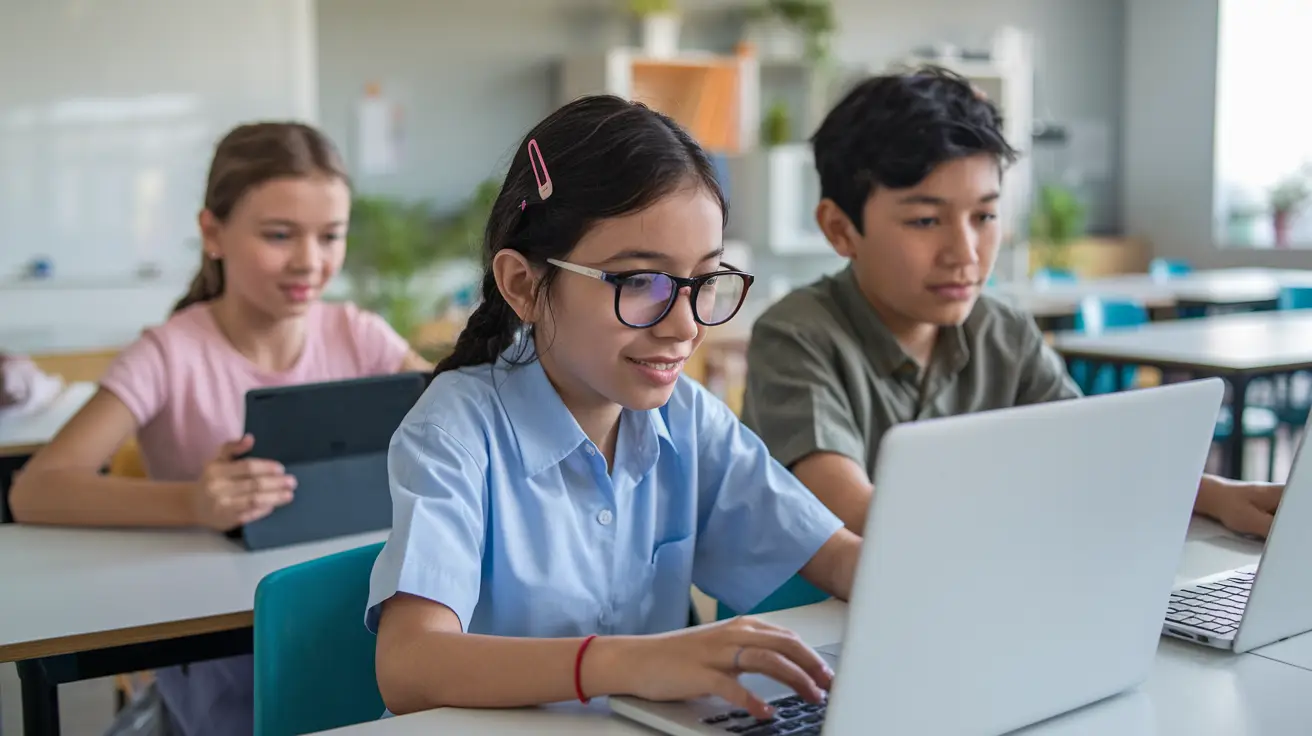
An online exchange lets students share work with another class without travelling. Begin with one curriculum question and an output both classes can respond to, such as a short introduction, a poster or a comparison of local observations.
Plan the first exchange
- Choose a small learning question and output with your students.
- Find a partner teacher and agree the age group, language, timing and tools.
- Prepare the work in class and share it through the agreed teacher-managed route.
- Give the partner class time to respond, then ask students to reflect on a question or difference they noticed.
For example, two classes could exchange a drawing or short presentation about a local place, ask one question and reply in the following lesson. This is a suggested starter task; agree the schedule with your partner rather than relying on a live call.
How virtual exchange works
A virtual exchange uses online sharing instead of a physical visit. Classes can compare research, make a joint product or respond to one another's work. It removes travel from the plan, while teachers still organise time, language, access and support.
Live video is optional. A class can send questions, drawings, text or teacher-managed recordings, then receive a response later. For Class2Class projects, students and teachers use project chat and teachers can message one another; live meetings use external tools chosen by the teachers.
What students can practise
Learn about another place through questions
Ask students to compare perspectives rather than treat one class as a voice for an entire country. Two classes in India and Brazil could, for example, research local agricultural practices, share what their sources show and ask questions about differences.
Use language for a real purpose
Students can prepare introductions, questions or captions in a shared language. Provide pictures, a small glossary or sentence starters. They can plan in a familiar language first and practise explaining an idea to someone else.
English learners could exchange presentations about local traditions with a US class, then prepare a reply to one question. Written or recorded responses give them time to think; a live conversation can be added when both teachers choose it.
Create and revise shared work
A shared presentation asks students to organise information, make choices and respond to feedback. Older students could develop a proposed campaign for a local or global issue, compare audiences and explain how they changed their message after a partner response.
Give the work an audience
A partner class gives students someone to explain their work to. In a history unit, for example, classes in Europe and Asia could compare sources about the Second World War and identify differences in what the sources cover. Choose material and questions appropriate for the students.
Plan for different access needs
Check what devices, internet access and accessible formats both classes can use. Keep the main preparation in class and offer drawings, text or recordings where helpful. Agree a response window that fits school calendars and give students clear support with the chosen tools.
UNICEF's digital education overview explains wider questions of access and learning. Use it to think through what your students need to take part.
Start a project with Class2Class
Class2Class is free for teachers and students. Use Discover to explore project ideas and Connect to find a partner teacher. Complete your teacher profile so others can understand your subjects and interests, then agree the project together.
The COIL approach can help the two teachers plan shared goals and a task that depends on both classes' contributions. Begin with a manageable exchange and check what students learn, rather than choosing a large project first.
Use the first-project steps for a fuller setup plan, and the asynchronous collaboration guide if a live meeting is difficult.
After the exchange, ask each student what they explained, what they learned from a partner response and what they would ask next. Use the answers to plan another small task or extend the project.
Frequently asked questions
What is a virtual exchange for K-12?
It is an online learning exchange between primary or secondary classrooms. Students share work, questions or a joint task with another class while staying at their own school.
Do both classes have to meet live?
No. They can share messages or work and reply later. Agree a response window with the partner teacher; use a live video meeting only when it helps and fits both classes.
What if students speak different languages?
Choose a shared working language with the partner teacher and give students pictures, short phrases or a glossary. Allow preparation in a familiar language and time to practise a response. Start with a small task.
Is Class2Class free?
Yes. Class2Class is free for teachers and students. Explore an idea in Discover, find a teacher in Connect and agree a first task together.
Explore classroom projects
Explore Class2Class project ideas and choose one to adapt for your class.