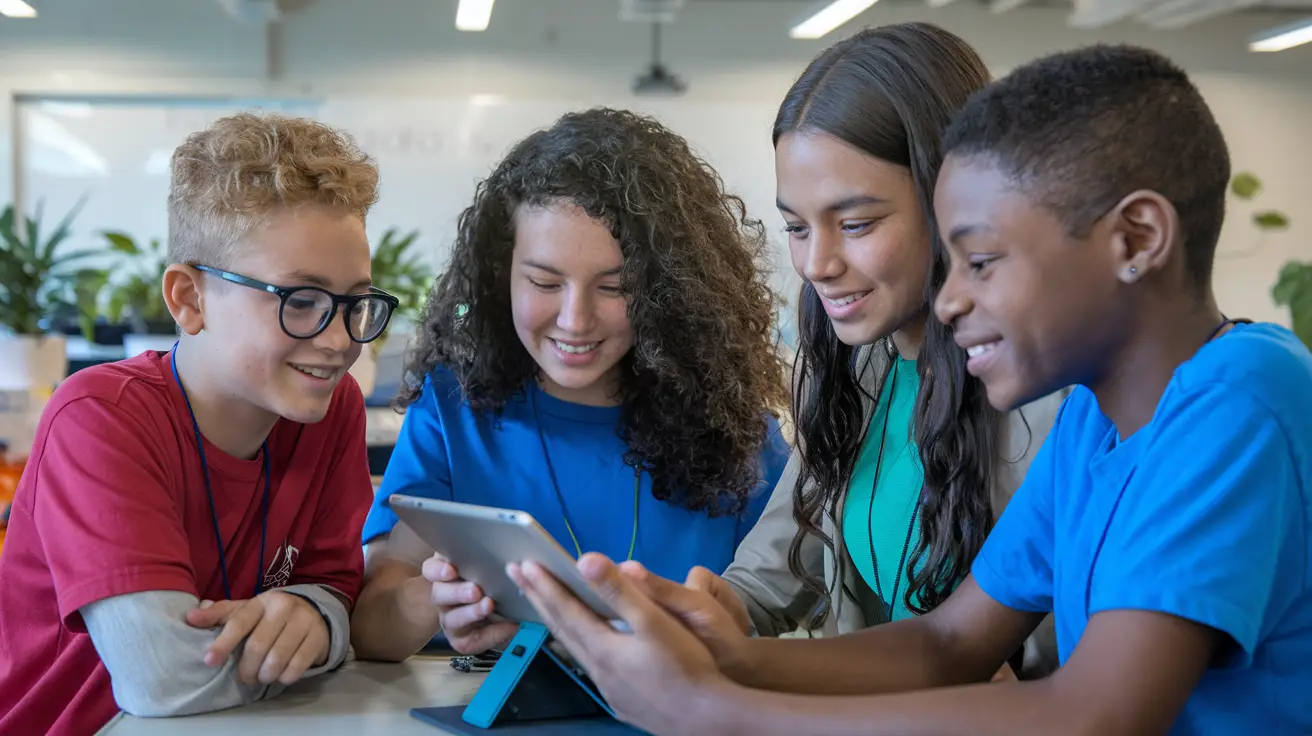
Five global classroom project ideas to explore with your class
Explore five project ideas through the work students will share: a fact-checking guide, a privacy proposal, a hunger podcast or video, a green-space proposal, or an inclusion toolkit. Choose a question your class wants to explore and open an idea to learn more.
Compare the ideasLast updated
Choose a global classroom project by the question students will investigate and the work they will produce together. A shared fact-checking guide needs different preparation from a green-space proposal. Start with the idea that fits what your class is already studying and the support you can arrange.
These five Class2Class Project Ideas have public pages you can inspect. Their descriptions set out proposed activities and learning aims. Use them as starting points to adapt with a partner teacher, then confirm the materials, language, schedule and student support before committing.
Compare the five ideas
Swipe horizontally to see all columns
| Project idea | Question to explore | Shared student work | Preparation to prioritise |
|---|---|---|---|
| News Detectives: Investigating the Truth! | How can we check whether a news story is trustworthy? | A guide to checking information | A small set of teacher-selected stories and a way to record sources |
| Building Safe Digital Futures | How should young people respond to a digital-privacy challenge? | A proposed tool, policy or campaign for a privacy expo | A bounded case, reliable current background sources and an agreed audience |
| Voices Against Hunger | How can we explain an aspect of hunger using research? | A podcast or video | Suitable public sources, a script and a sensitive approach to the topic |
| Greener Cities, Better Lives | How could a local green space better serve its community? | A green-space proposal informed by comparison | A safe observation plan or existing maps and a common comparison question |
| Think Local, Act Global: United Against Discrimination | What could make a school or community more inclusive? | A shared toolkit of campaign or peer-support ideas | A teacher-guided discussion plan and clear boundaries for personal stories |
The questions and preparation suggestions in this guide are our proposed adaptations. Match the reading, discussion and production task to your students. A project title or age filter alone does not establish that its content will suit every learner.
1. News Detectives: Investigating the Truth!
Explore this project idea
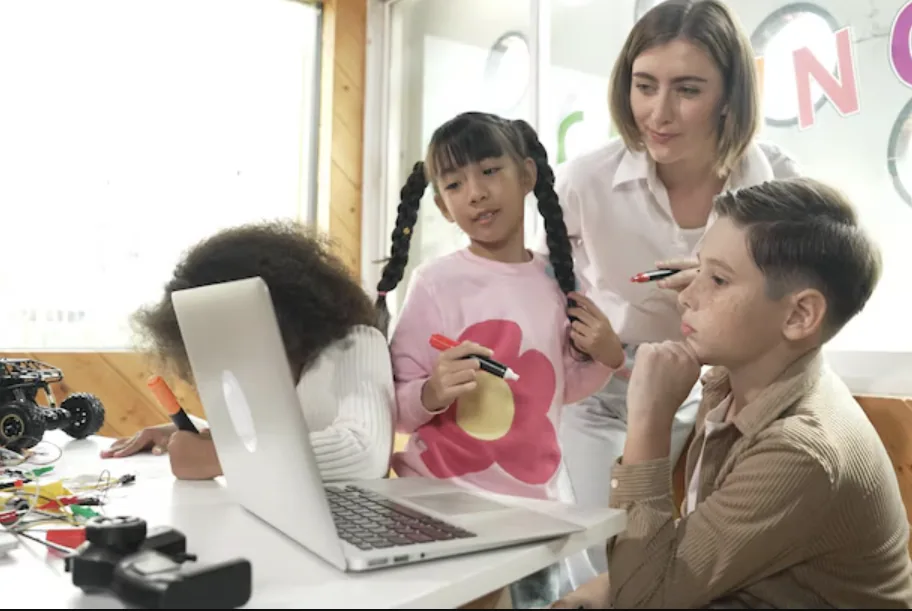
News Detectives: Investigating the Truth! centres on investigating news with a partner class and creating a shared guide to fact-checking. Consider it when you want students to explain how they judged a claim, alongside communicating their findings.
- Investigate news stories and exchange findings with the partner class.
- Compare what makes information trustworthy or untrustworthy and explain the checks used.
- Bring the classes' advice together in a shared fact-checking guide.
Our suggested preparation: choose a small set of suitable stories, retain their original sources and prepare prompts such as "Who published this?" and "What evidence supports the claim?" Include a way to record uncertainty. Agree how students will discuss sensitive content, and check the guide's advice before sharing it beyond the classes.
2. Building Safe Digital Futures
Explore this project idea

Building Safe Digital Futures asks international teams to explore digital-privacy challenges and design responses. The listed final event is a Global Privacy Expo. A response may be a proposed tool, policy or campaign; a working app is not necessary for the adaptation suggested here.
- Research a bounded privacy challenge and compare how it appears in the participating contexts.
- Design a proposed tool, policy or campaign and explain the choices behind it.
- Present the proposal for discussion in a teacher-organised privacy expo.
Our suggested preparation: choose a public case or fictional scenario and verify the background sources. Keep the task focused on reasoning about a response. Students do not need to disclose passwords, account settings or private messages. Agree an appropriate audience for the presentation. If you include laws or policies, check their current wording and local relevance separately; this guide provides no legal interpretation.
3. Voices Against Hunger
Explore this project idea

Voices Against Hunger combines research into hunger with storytelling for an audience. Partner classes investigate the topic and create podcasts or videos. Choose it when students can work with suitable evidence and explain what their sources do, and do not, show.
- Research a clearly defined question about hunger using suitable sources.
- Compare findings and perspectives with a partner class.
- Plan and produce a podcast or video that explains the research.
Our suggested preparation: select accessible public information and prepare a script outline with space for source notes. Discuss respectful language and avoid presenting one pupil as a spokesperson for a country or community. Do not require students to describe household finances or experiences of hunger. An agreed classroom audience is enough for a first version; wider sharing needs separate school arrangements.
4. Greener Cities, Better Lives
Explore this project idea
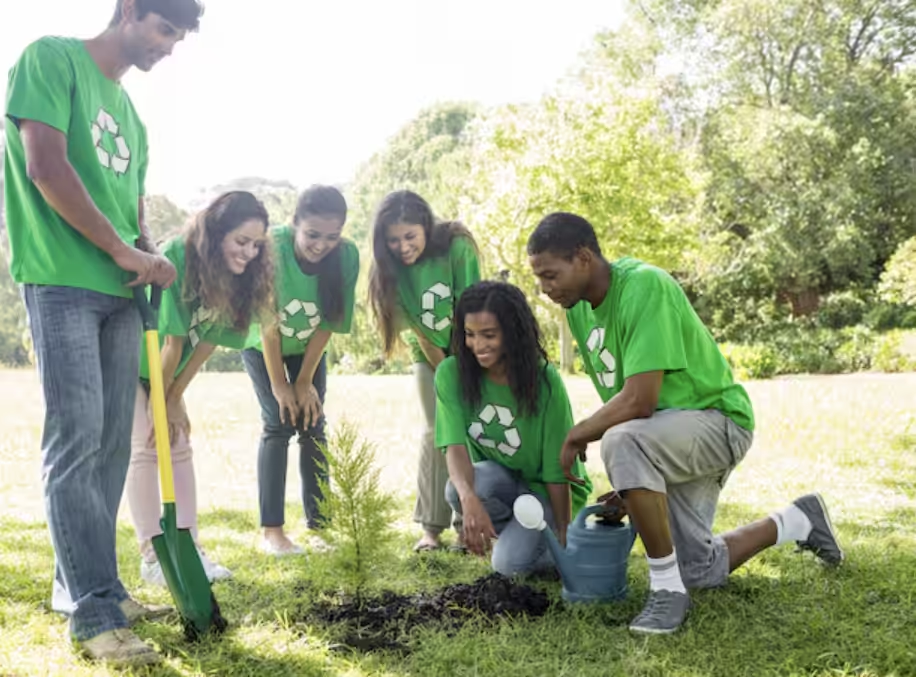
Greener Cities, Better Lives uses research, mapping and design to compare urban green spaces and develop proposals. It suits a question that both classes can investigate locally, while keeping differences between their places visible.
- Research or map a selected local green space.
- Compare observations about access, availability or quality with the partner class.
- Design a proposal that responds to the needs identified in the investigation.
Our suggested preparation: agree one comparison question and a simple recording format before gathering observations. Use a staff-approved accessible visit or teacher-supplied maps and images. Keep observation separate from explanation: a map can show where a space is, but does not establish its health or climate effects. Students can present a labelled sketch with reasons for their choices; no specialist design software is required for that adaptation.
5. Think Local, Act Global: United Against Discrimination
Explore this project idea

Think Local, Act Global: United Against Discrimination connects research and dialogue about bullying and discrimination with campaigns or peer-support ideas. The proposed shared output is a toolkit that brings the classes' suggestions together.
- Use guided research and dialogue to examine bullying or discrimination in context.
- Compare perspectives with the partner class without assuming their experiences are the same.
- Develop campaign or peer-support ideas and contribute them to a shared toolkit.
Our suggested preparation: work with the school's established pastoral or safeguarding arrangements and choose suitable examples. Students should not have to recount personal incidents or name other pupils. Keep discussions teacher-guided, explain how to raise concerns privately and plan a different participation route where needed. Staff should review any proposed peer-support action before students try it.
Confirm the practical fit before you start
- Learning goal and student support: choose one question connected to what both classes study. Check reading demands, discussion readiness and access needs; keep usual accessibility support and offer suitable ways to contribute.
- Language and exchange: agree the language students will use and the support available. Decide whether classes will exchange written or recorded work, meet live, or combine formats. An article or interface language is not a promise of project delivery in that language.
- Schedule and teacher roles: agree preparation, investigation, exchange, revision and reflection dates with the partner teacher. Include school calendars, moderation and feedback responsibilities. Do not commit to a timetable before these arrangements are confirmed.
- Materials and audience: open the selected idea and check which instructions or resources you can actually access. Prepare missing examples, source records or assessment prompts yourself. Agree who will see student work and use the school's normal sharing arrangements.
The public pages describe the ideas but do not establish a complete supplied worksheet or assessment package. A Project Idea also does not confirm an available partner class or an open cohort. Confirm those arrangements separately, including what each teacher will prepare.
Decide what will count as student learning
A finished guide, video or toolkit shows what the group produced. To see what an individual learner can explain, ask each student to identify one claim or design choice, the evidence behind it and a relevant limitation. Keep a short response before the exchange and return to the same question after feedback. This is a proposed classroom check, not a tested measure of the project's effect.
For more on collecting evidence during a collaboration, read how global classroom projects make skills visible. The existing first-project planning guide also outlines a small exchange; agree the actual timetable with your partner teacher before using a short launch plan.
Frequently asked questions
How do I start with one of these project ideas?
Open an idea to read its activities. Use Create Project to adapt it for your class, then agree the plan, language and dates with a partner teacher.
What should I prepare for the activity?
Use the preparation notes in this guide, then open your chosen idea to check its resources. Prepare the texts, examples and assessment questions your class needs.
How should I choose an age group, language and duration?
Choose an idea that fits your class's reading, discussion and practical tasks. With the partner teacher, agree the working language, needed support and dates for research, sharing and feedback.
How can I check what each student learned?
Ask each student to explain one claim or design choice, the evidence behind it and one thing they would check next. Keep their usual support. Use their answers alongside the group product to judge the learning you planned.
Explore an idea, then plan your collaboration
Open the project idea that fits your class and explore the work students could share. Use the question, output and preparation notes to shape your own exchange.