5. Safety and privacy: prepare a classroom exchange
Before a Class2Class project, teachers should complete participation and consent checks, agree what students will share and explain how to report a concern. This module links the current privacy and safeguarding guidance and helps teachers turn it into a classroom plan.
Last updated
Make a sharing plan before the first exchange
A classroom connection starts with a few clear agreements: who takes part, what students share and where they can ask for help. Use this module to prepare those agreements with your school and partner teacher.
Class2Class provides the project space, rules and reporting routes. Teachers and schools supervise students. Read the current school and partner FAQ alongside your school's own procedures before introducing the project.
Check participation and consent
Students take part through a teacher-led classroom. Complete the platform's age and consent process before participation, and ask your school to resolve any questions about permission. A student whose required consent is still pending cannot use the product.
The Privacy and Accessibility Statement explains the data collected, its purposes and the rights of students and families. Use that document when your school needs the full detail, rather than treating a classroom checklist as a privacy policy.
- Agree with your partner teacher what work students will exchange and who will see it.
- Share only information needed for the learning task. Avoid personal contact details or sensitive family information in a classroom introduction.
- Keep session photos, screenshots and recordings inside the project, as the Ethical Guidelines require. Explain this boundary before a meeting.
Practise respectful communication
Introduce the communication rules before students post or meet another class. Model a useful reply, practise asking a respectful question and explain how to tell a teacher when something feels wrong.
The Ethical Guidelines set expectations for how people treat each other on Class2Class. Ask students to apply those expectations to the work you have planned: comments, images, messages and any teacher-arranged video meeting.
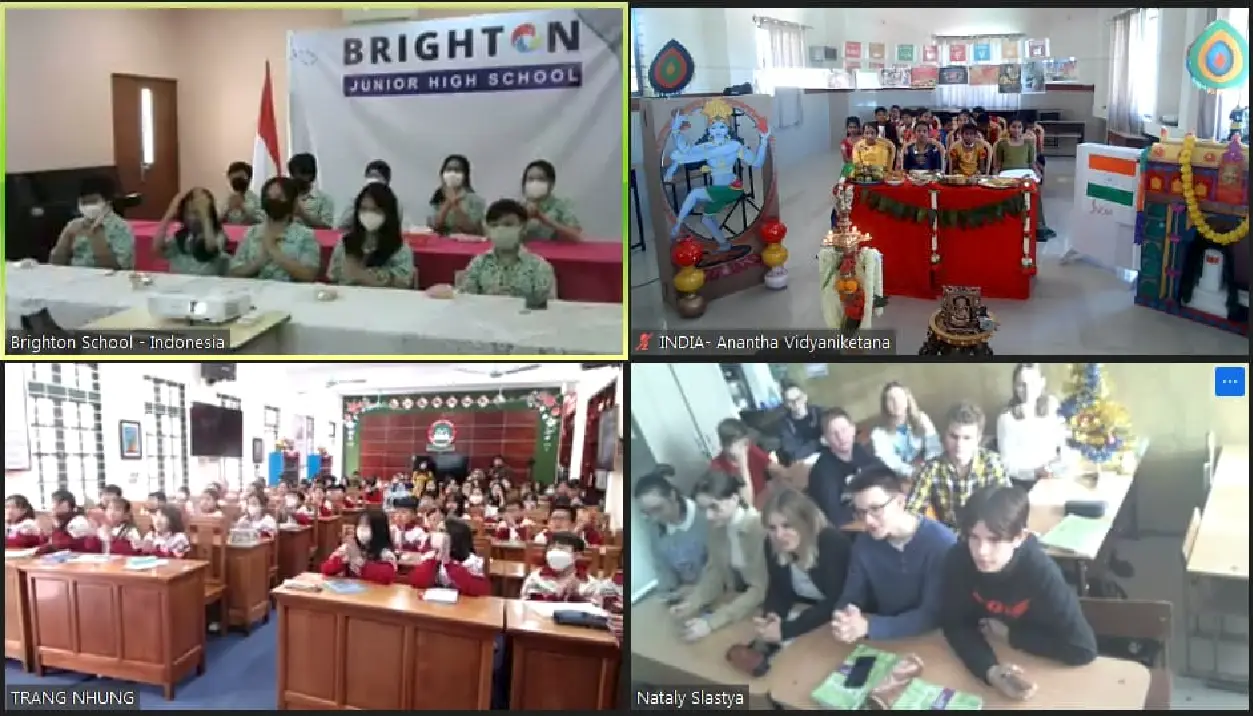
A live call is optional. A teacher-led exchange of drawings, short texts or recorded explanations can give students time to prepare and let the teacher check what will be shared.
Know how to raise a concern
If a child is in immediate danger, contact local emergency services first. Show students how to use the platform's reporting tools and how to speak to a trusted teacher. Follow your school's safeguarding procedure when a concern involves a child.
The Child Safeguarding Policy describes Class2Class's reporting and response responsibilities. The Compliance Centre lists the current safeguarding, data-protection and anonymous reporting routes; use it to find the appropriate contact.
Use the current guidance
Keep the current policy links with your project plan so colleagues can find them when a question arises. For account access or a possible compromise, contact Class2Class support through the routes in the Compliance Centre.
When your school needs technical or procurement information, start with the security and privacy sections of the school and partner FAQ. Check the current Trust Centre for certification status rather than assuming an infrastructure provider's certification also certifies Class2Class.
Sources
Agree the plan with your partner teacher
Write down the sharing format, supervision arrangements and reporting route. Once your school's participation checks are complete, use that plan to choose a project you can run together.