COIL projects for teachers: three classroom ideas
A COIL project connects classrooms online through a shared learning task planned by their teachers. Choose a question that both classes can investigate, an output they can create or compare and a response window. The three ideas below can be adapted for school learning.
Last updated
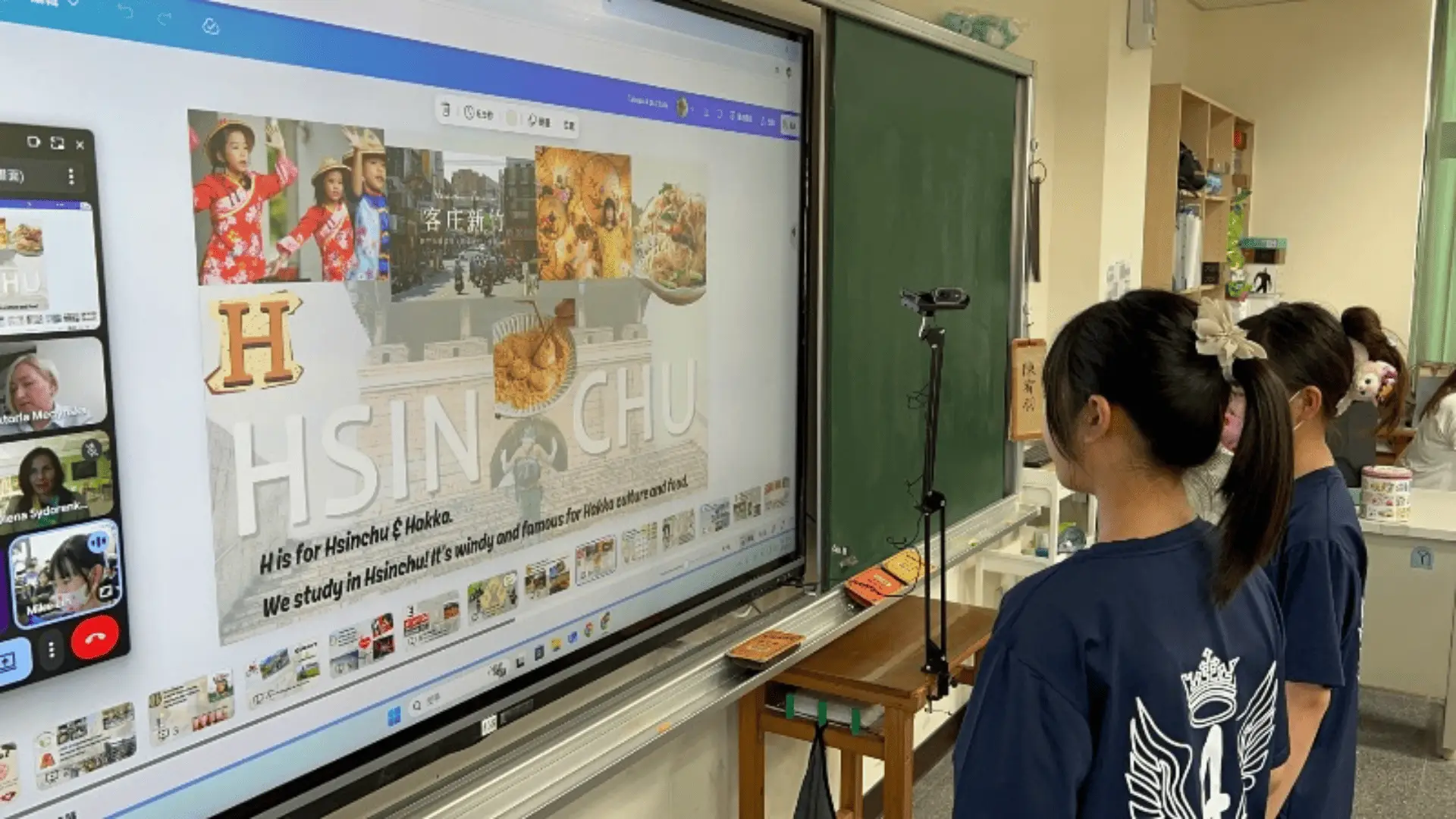
A good COIL project gives both classes a reason to contribute. Choose a subject question, agree the work with another teacher and plan a response to what the partner class shares. Start with one of these three teaching ideas and adapt it to your students.
Three ideas to adapt
Compare local environmental questions
Ask both classes to choose a local environmental question, such as water use or green space. Research it, compare observations and create a joint presentation or campaign. Connect the question with SDG 13 where climate action is genuinely relevant.
- Agree one question and a simple way to record observations.
- Share a finding and ask the other class what is similar or different.
- Prepare a joint proposal that uses evidence from both places.
Share digital stories
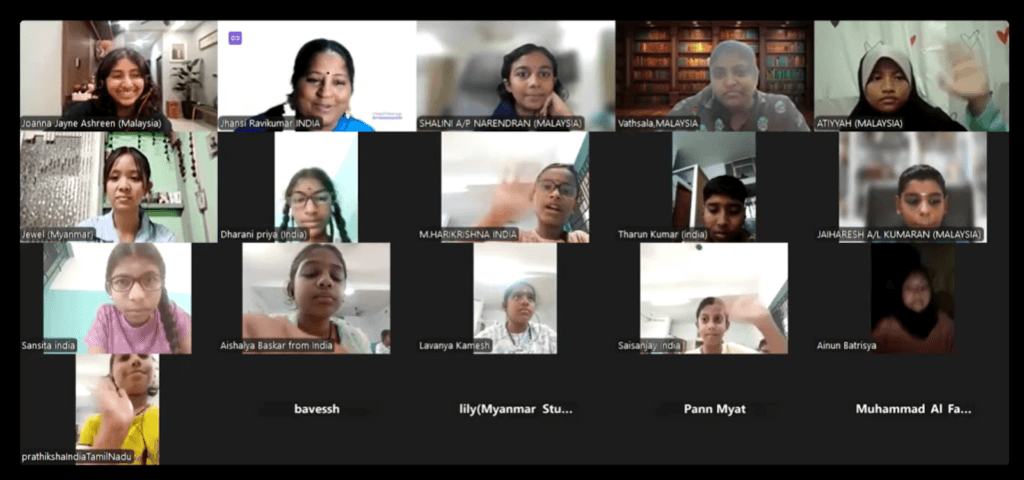
Students choose a story, place or tradition they want to explain, then create a short illustrated or recorded story. Invite the other class to ask questions and add its own stories. Let students choose what to share rather than speak for an entire country or reveal private family information.
- Agree a short format: pictures and captions, audio or a teacher-managed video.
- Explain one detail the other class may not know.
- Use a partner question to improve the final story.
Develop a business idea for a shared need
Older students can investigate a need that matters in both places and propose a product or service. Mixed-class groups compare research, develop an idea and present a pitch. Keep the focus on learning about needs, costs and communication rather than launching a real business.
- Describe the need and compare evidence from both communities.
- Explain who the idea would help and how it could work.
- Give feedback on the pitch and name what still needs checking.
What COIL means
COIL stands for Collaborative Online International Learning. SUNY's COIL guidance describes educators co-designing learning across institutions, with students collaborating online. The approach developed in higher education; school teachers can adapt co-planning and a shared task to the age and subject they teach.
Both teachers need a learning goal, a task each class can contribute to and a way to respond. For example, comparing observations is stronger than two unrelated presentations if students use the comparison to revise a shared conclusion.
Co-plan with your partner teacher
Class2Class is free for teachers and students. Complete your teacher profile, explore ideas in Discover and use Connect to find a partner teacher with suitable interests. Agree the subject question, student age range, language and timetable together.
Choose an existing project idea or create your own. The Project Creation Assistant can help draft topics, goals and activities; review and edit them for your class. Agree a small first output before expanding the project.
Plan teacher-managed sharing and access before students begin. Class2Class supports project chat and teacher messaging. Choose any external video or document tool with your partner, and allow responses at different times when a live meeting is difficult.
Use the five classroom project ideas to explore existing options, or the asynchronous collaboration guide to plan across different calendars and time zones.
Check what students practise
- Cultural awareness: ask questions and compare perspectives without treating one account as a whole country.
- Communication: explain an idea, listen to a response and clarify the meaning.
- Collaboration: make a shared decision, give feedback and improve the work together.
- Global awareness: connect an appropriate local question with a Sustainable Development Goal and identify what the evidence can show.
Ask each student to explain a contribution and one change they made after feedback. Keep the group output alongside these individual responses so you can see where further teaching is needed.
Support from the teacher community
Your guidance, constant support and meaningful 4 Steps suggestions make all the difference.
Gisel Crespo, teacher in Argentina
Start with a manageable exchange, look at the work and responses, then decide what to keep or change. The aim is a shared learning task that serves both classes' curriculum goals.
Frequently asked questions
What is a COIL project for teachers?
It is a shared online learning project co-planned by teachers in different places. Agree what students will learn, how both classes contribute and how they will respond to one another's work.
Can school teachers use COIL?
Yes. Adapt the co-planning approach to your students' age and subject. Start with a small shared task and teacher-managed exchange; COIL's higher-education origins do not mean you need a university-style course.
Do students need a live video call?
No. Classes can share questions, observations or stories and reply later. A live meeting is optional. Agree the response window and tools with the other teacher.
Are these three ideas ready-made Class2Class projects?
They are teaching ideas to adapt with a partner. Browse Discover for existing project ideas or create your own. Class2Class is free for teachers and students.
Explore classroom projects
Explore Class2Class project ideas and choose one to adapt for your class.